
One Plan, One Monthly Bill
Managed IT Services in Cleveland, Ohio
Not sure who checks your backups? That is the first thing a plan sorts out.
Managed IT Services for Cleveland Offices
Managed IT services in Cleveland hand the daily care of your computers, network, backups and security to an outside provider for one monthly fee. Send your headcount to contact@itcompanycleveland.com and you get a custom quote.
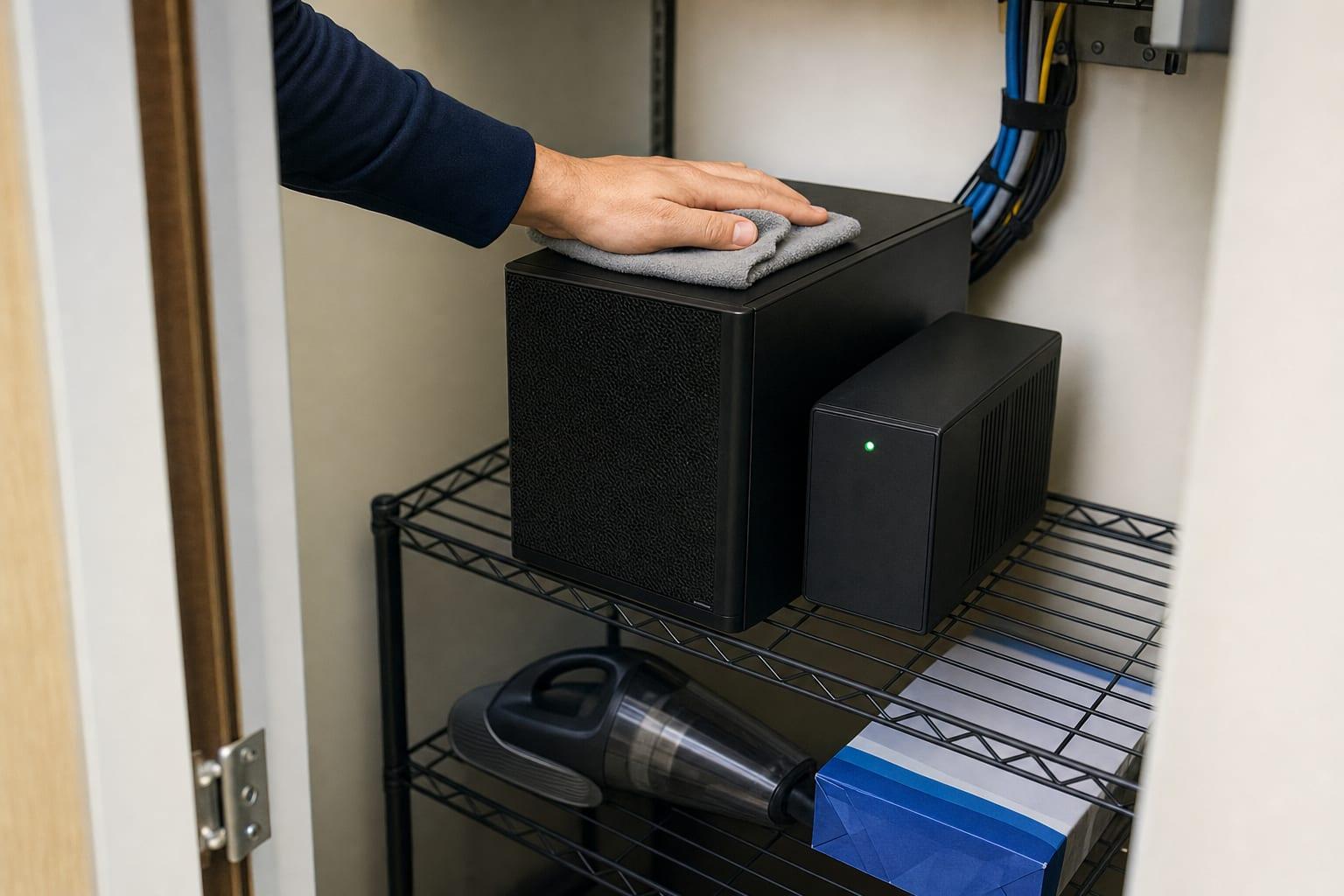
Here is how it tends to go without a plan. The server in the back closet hums along for six winters. Nobody remembers who set it up. Then a February cold snap knocks the power out twice in a week, the server stays dark, and the whole office learns what was on it.
A managed plan is the boring fix. Someone watches that server, tests the battery backup and knows where the restore copy lives. If you have fewer than ten people, read about IT support sized for a small business before you commit to a full plan. It may be all you need.
What Managed IT Services in Cleveland Ohio Include
Plans differ, but these six jobs show up in almost every one. Ask about any that are missing from a proposal.
Help Desk
Your staff call or email one desk about lockouts, email trouble and slow machines. Every request is logged so repeat problems stand out.
Updates and Patching
Windows, Mac, browser and firmware updates go in on a schedule, with restarts saved for after closing time.
Backup Checks
A person confirms the backup finished and restores a sample file now and then. A backup nobody has tested is only a hope.
Security Basics
Endpoint protection, email filtering and a second sign-in step are installed and kept current.
Network Watch
The firewall, switches and access points report their health, so a failing part raises a flag before it takes the office down.
Vendor Wrangling
The provider sits on hold with the internet company, the copier dealer and the software vendor so you do not have to.
How Getting Started With Managed IT Works
Short Call
You share headcount, locations and the problems that keep coming back.
Walkthrough
Every computer, server and switch is counted and written down.
Proposal on Paper
Coverage, exclusions and a monthly figure arrive together in a single document.
Switch-On
Monitoring goes in, backups are confirmed and your staff get the support number.
Thirty-Day Check
You look over the first month of requests together and adjust the plan.
Why Choose Us for Managed IT Services?
Same Fee in a Quiet Month
The provider earns the same when nothing breaks, so prevention is in its interest too.
Exclusions Spelled Out
You read what the plan leaves out before the first invoice arrives.
Notes You Keep
The network map and the password list are yours, in a vault you control.
Ready for Winter
Battery backups and remote access get tested before the snow, not during it.

What Managed IT Services Cost in Cleveland
| Work | Cost | What Moves the Number |
|---|---|---|
| Monthly plan per person | Custom quote | How many staff and how much each plan covers |
| Monthly plan per device | Custom quote | Count of computers, servers and network gear |
| Getting-started project | Custom quote | How much cleanup and documentation comes first |
Nothing is priced on this page because the figure depends on your counts. When two proposals land on your desk, compare the exclusions before the totals. After-hours calls and on-site trips are where a low monthly figure tends to grow.
Talk to a Cleveland IT Team
Tell us how many people you have and what went wrong most recently.
Call (216) 820-9974Get a Free Quote
No obligation.

Serving Businesses Across Ohio
Managed IT Services Questions
What are managed IT services?
Managed IT services are ongoing technology care from an outside provider for a set monthly fee. The provider runs the help desk, installs updates, checks backups, manages security tools and watches the network. You pay for upkeep instead of paying per emergency.
What does a managed IT plan usually leave out?
Managed IT plans usually leave out new hardware, large projects such as an office move, and sometimes after-hours or on-site work. Each provider draws the line differently. Ask for the exclusions in writing and read them before you look at the monthly price.
How should I read reviews of managed IT services in Cleveland?
Read reviews for specifics instead of star counts. Look for mentions of how the provider acted during an outage, whether invoices were clear and how a mistake was handled. Then ask for two references in your own industry and call them.
How long does it take to switch managed IT providers?
A switch between providers commonly takes a few weeks. Most of that time goes to gathering passwords, documenting the network and installing new monitoring. Ask your current provider for all admin logins in writing before you give notice.